Core Competencies
Front-End Development
Expert in React, Angular, Vue.js, and Node.js. Building responsive, performant interfaces with clean, maintainable code.
WCAG Accessibility
Implementing WCAG 2.1 standards to increase accessibility compliance by 40%+ across enterprise platforms.
User Research
Conducting persona research, journey mapping, and iterative usability testing to inform product roadmaps.
A/B Testing & Analytics
Leveraging data-informed updates to improve conversion rates and boost user engagement by 22%+.
Design Philosophy
Design is a business tool first, art second.
I believe great design solves real problems for real people. Every decision I make is rooted in user research, validated through testing, and measured by impact—not aesthetics alone.
My approach: understand deeply, prototype rapidly, test rigorously, and iterate continuously. I've applied this methodology to healthcare systems serving millions, fintech platforms processing billions, and enterprise tools used by thousands daily.
Experience & Background
9+ years delivering accessible, scalable interfaces for fintech, healthcare, and retail platforms. Proven track record in increasing conversion rates, reducing dev handoff errors, and aligning design vision with business metrics.

Certifications & Skills
Certified Frontend Developer
Web Development Certification
React, Angular, Vue.js
Front-End Frameworks
WCAG 2.1 Accessibility
Accessibility Standards Expert
Figma, Adobe XD, Sketch
Design Tools
Selected Projects
A curated selection of case studies demonstrating my approach to solving complex design challenges at scale.
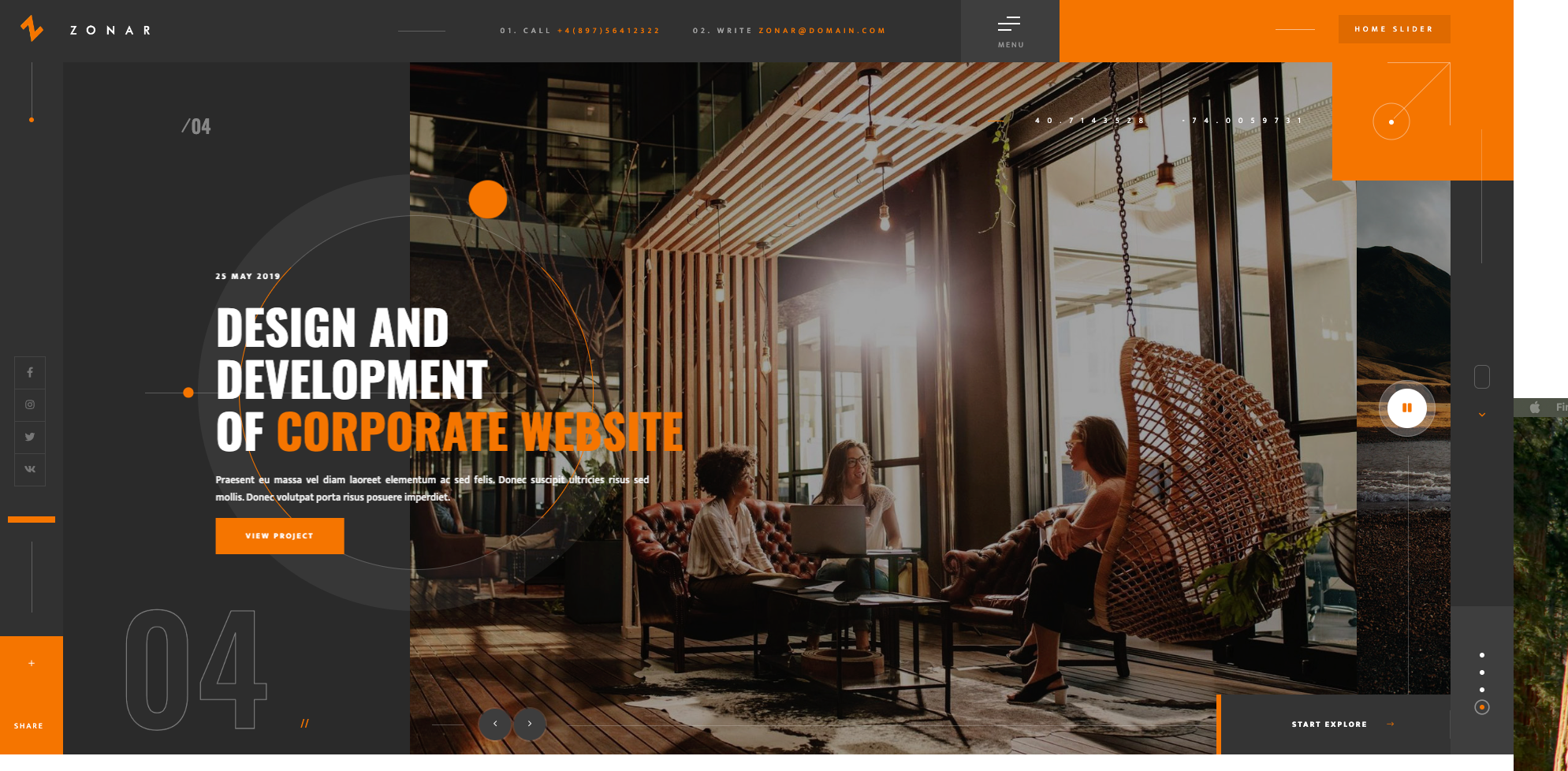
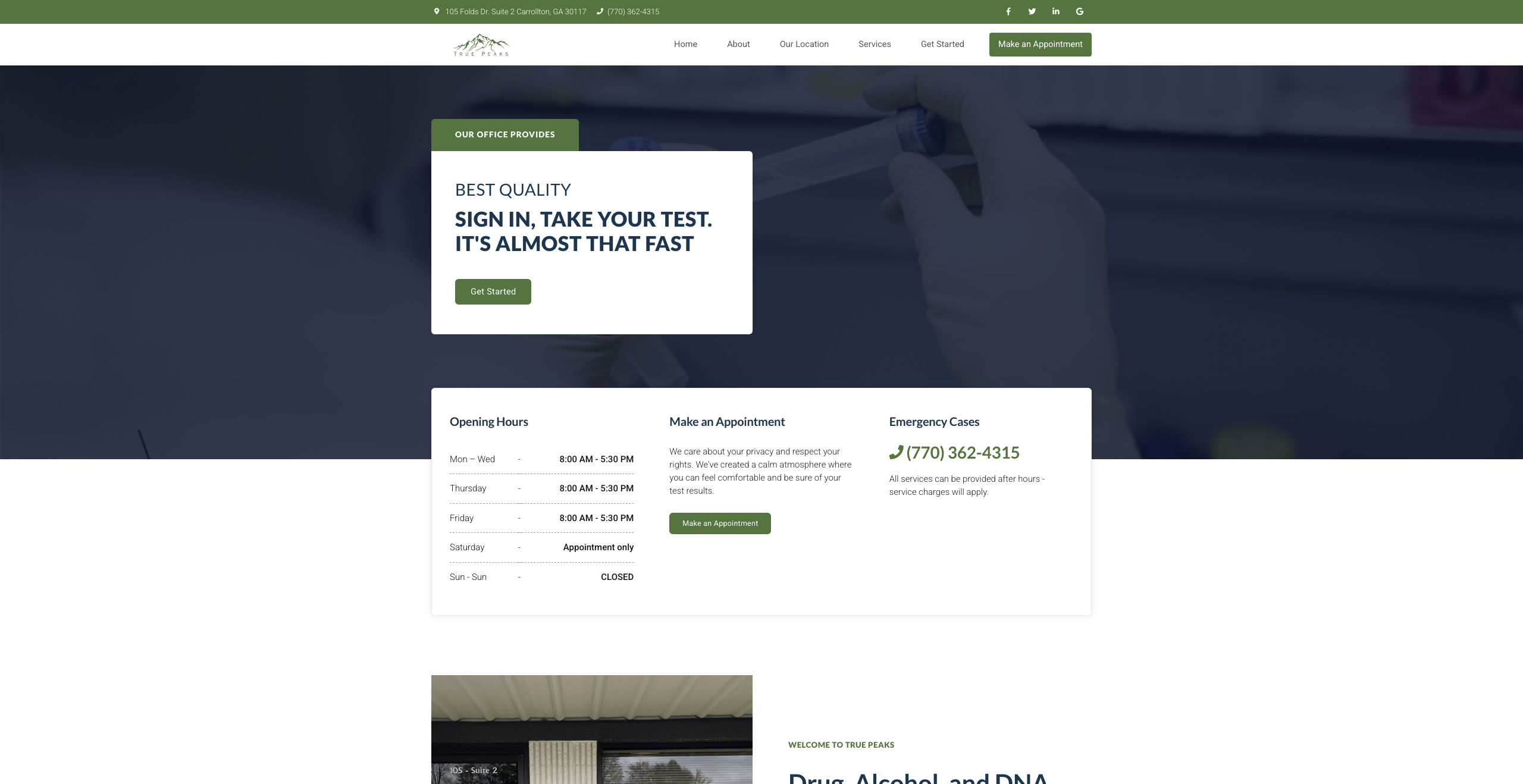
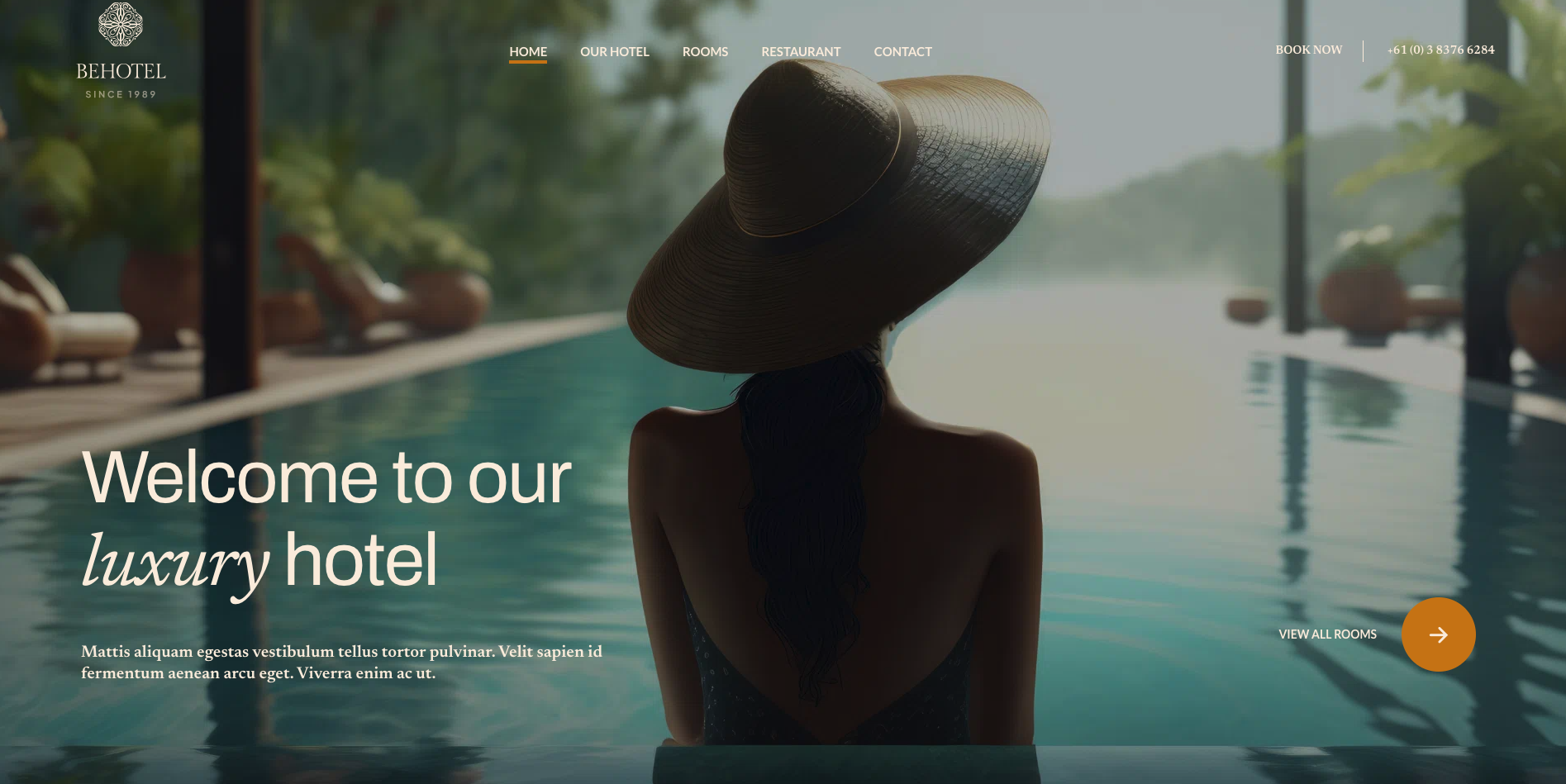
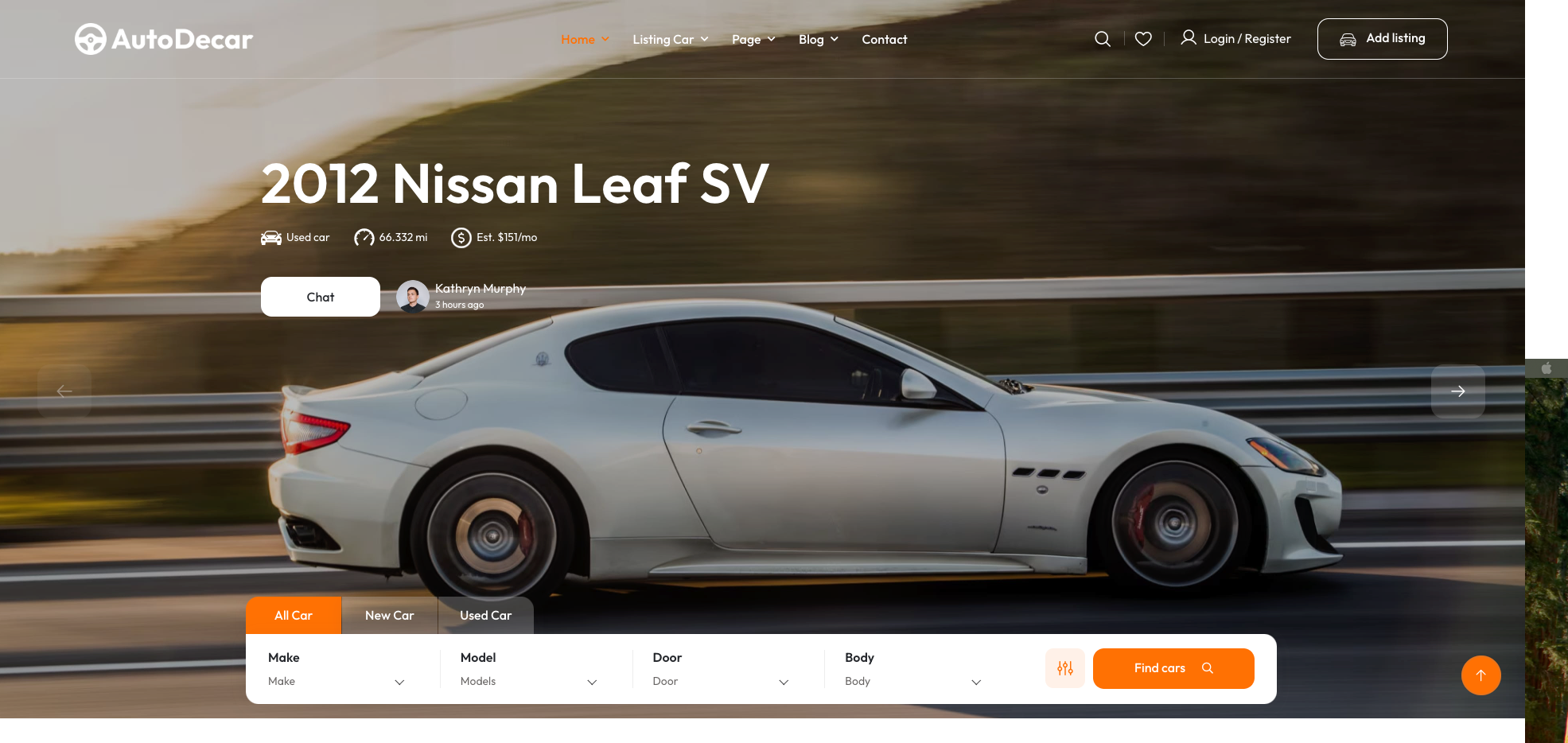
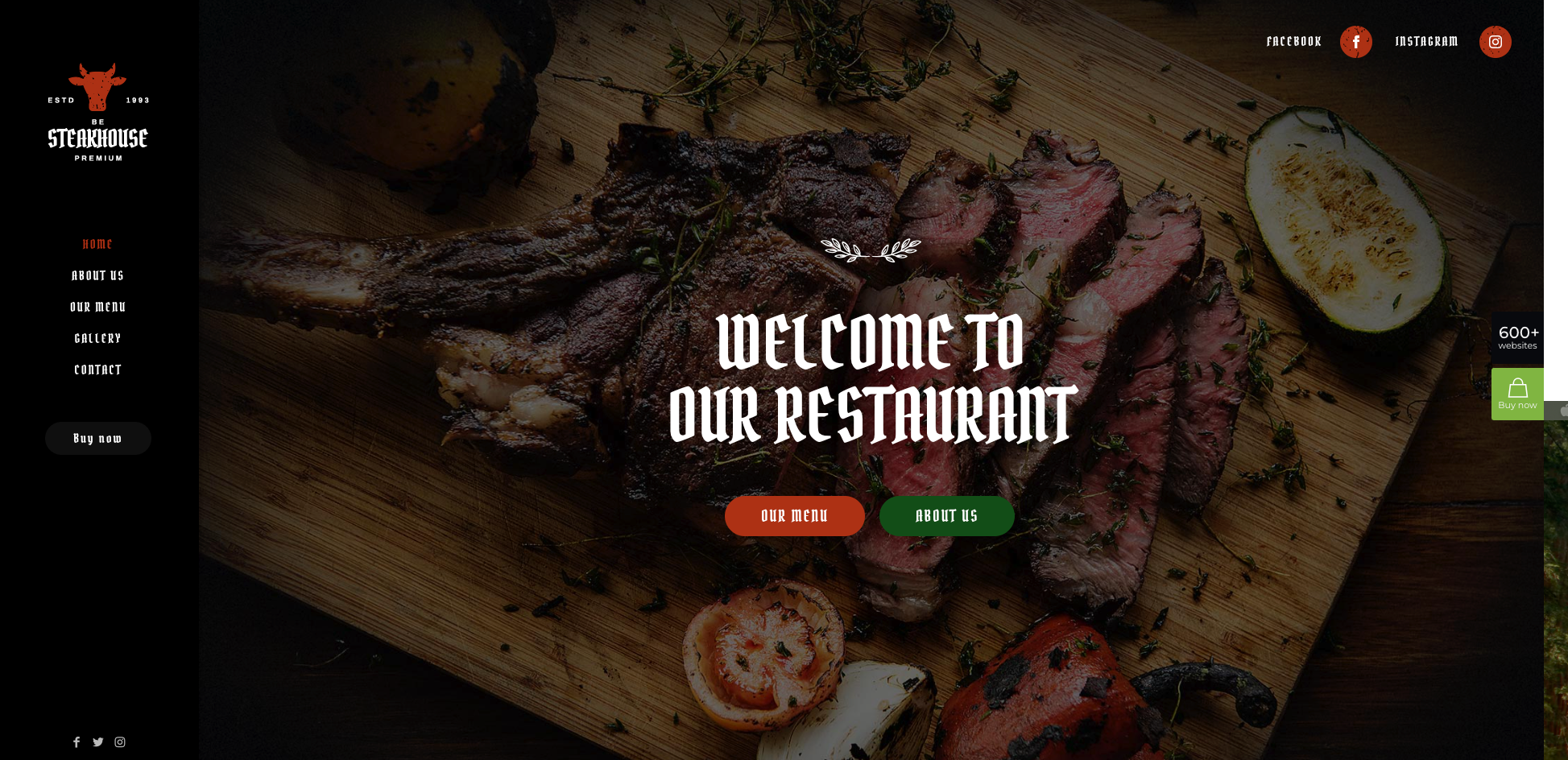
Digital Transformation & Automated Reporting
Led the complete transformation of a traditional service-based business from manual operations to a fully automated, data-driven system—enabling leadership to make informed decisions faster, improve CX, and scale without increasing headcount.
Collaborated with 1 PM, 2 Engineers, Business Stakeholders
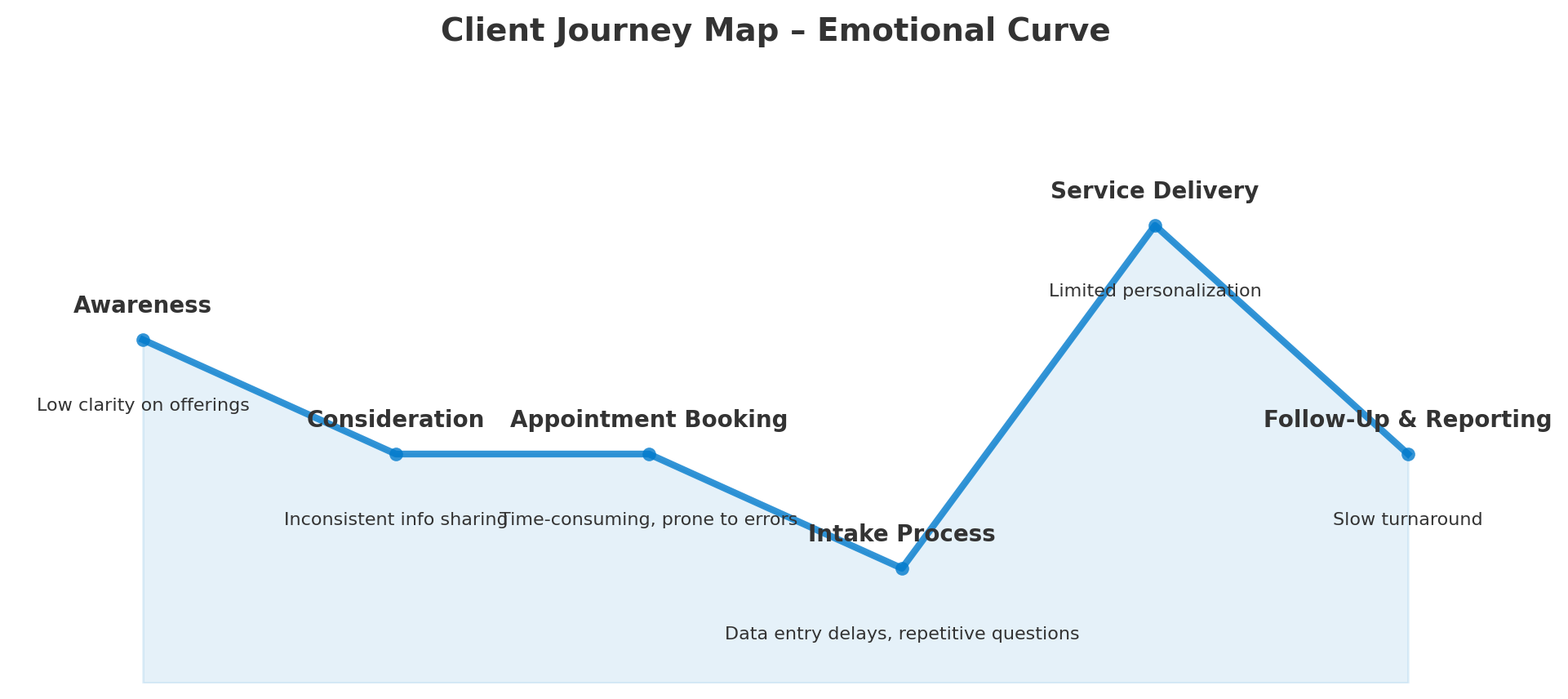
Client Journey Map
As part of the discovery phase, I created a client journey map to visualize the current experience, identify pain points, and uncover opportunities for improvement. This guided design decisions throughout the transformation project.
| Stage | Current Experience | Pain Points | Customer Emotions | Opportunities |
|---|---|---|---|---|
| Awareness | Client hears about the business through word-of-mouth or local ads | Low clarity on offerings | Interest sparked but limited understanding | Provide clear service listings online |
| Consideration | Client calls or visits to inquire | Inconsistent info sharing | Frustration due to lack of standard process | Centralized info hub & FAQ on website |
| Booking | Manual scheduling via phone or in person | Time-consuming, prone to errors | Mild frustration | Online booking system with confirmations |
| Intake | Manual form filling during visit | Data entry delays, repetitive questions | Annoyance and impatience | Digital intake forms with pre-fill options |
| Service | Service provided as scheduled | Limited personalization | Neutral to satisfied | Use intake data to personalize services |
| Follow-Up | Reports prepared manually days later | Slow turnaround | Dissatisfaction due to wait time | Automated reporting & client portal access |
The project involved deep discovery sessions with stakeholders to uncover operational bottlenecks, followed by journey mapping to reimagine both the client and staff experience. I translated these insights into wireframes, prototypes, and ultimately a polished, responsive interface that could handle everything from appointment scheduling to KPI tracking.
On the backend, I architected a connected cloud infrastructure that ensured seamless data flow across platforms, eliminated redundant manual entry, and supported an automation workflow capable of processing and presenting insights instantly. This system integrated with a programmatic display ecosystem for targeted outreach, ensuring client communications were timely, relevant, and data-backed.
This transformation showcased my ability to lead complex digital projects from concept to delivery, balancing user needs, business goals, and technical constraints. By aligning leadership vision with technical execution, I delivered a solution that not only solved immediate problems but also established a foundation for sustainable growth.
Healthcare Content Discovery Optimization
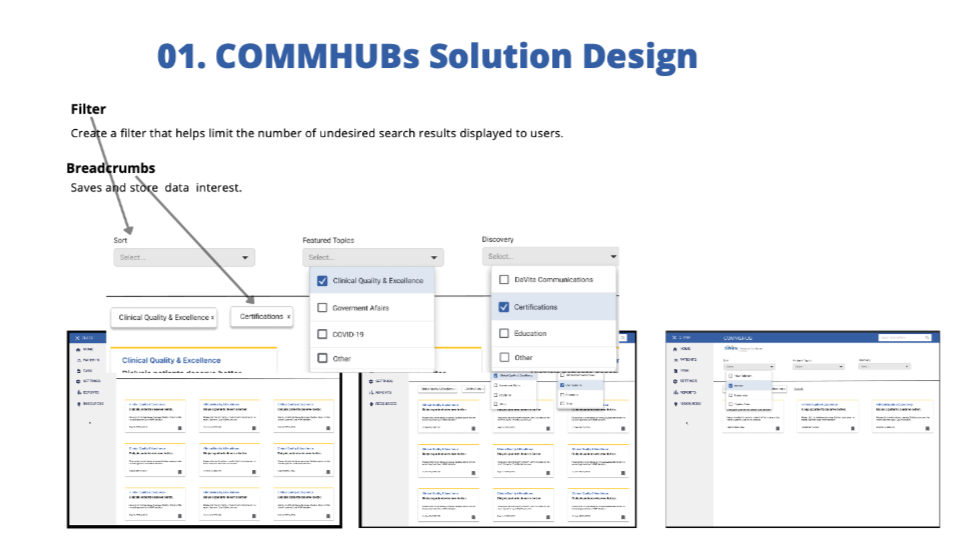
Designed a filtering system for DaVita's OneView EHR, helping physicians and nurse practitioners quickly find relevant clinical content—improving workflow efficiency in a high-stakes healthcare environment.
Collaborated with Product Manager, Healthcare SMEs, Engineering Team
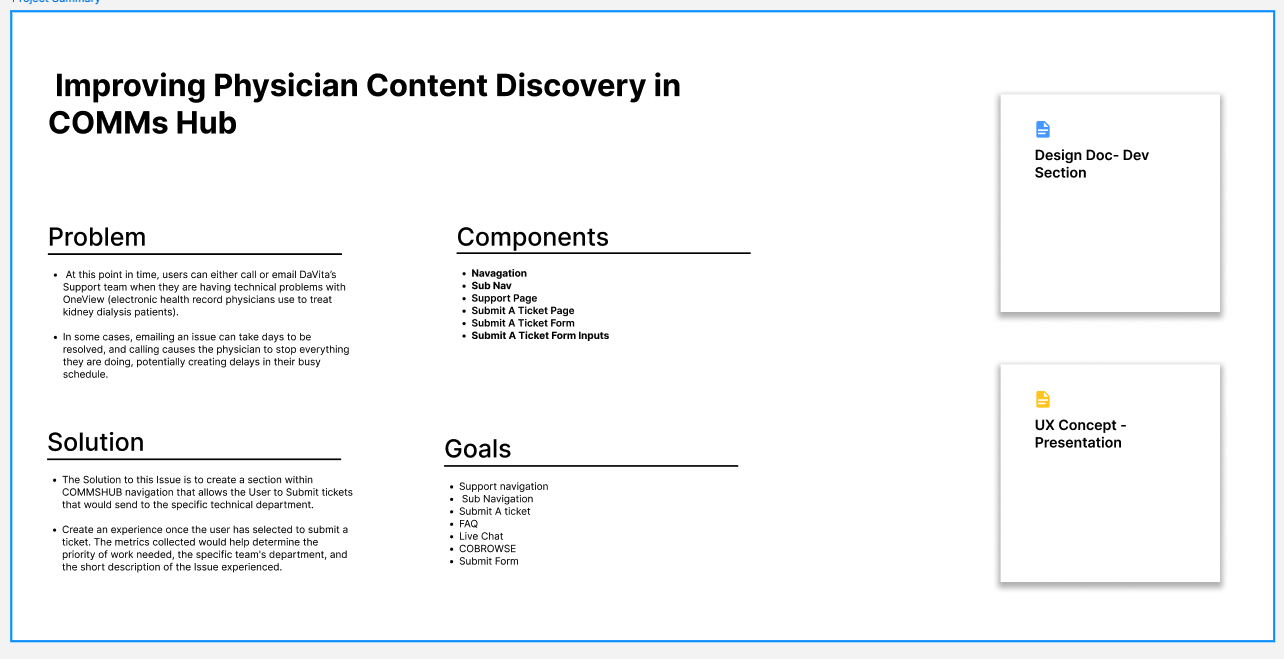
WCAG 2.1 Accessibility-First Approach
This project required strict adherence to healthcare accessibility standards. Every component was designed and tested for keyboard navigation, screen reader compatibility, and color contrast requirements—ensuring physicians with disabilities could efficiently access critical patient information.
User Journey Map
To understand physician pain points, I mapped the current content discovery process. This revealed where irrelevant information slowed decision-making and informed the filter and breadcrumb design.
| Stage | Current Experience | Pain Points | User Emotions | Opportunities |
|---|---|---|---|---|
| Content Arrival | Feed displays broad range of topics | High noise-to-signal ratio | Overwhelmed | Add topic-based filtering |
| Searching | Manually scroll or click into full hub | Time-consuming | Frustrated | Enable quick filter application |
| Refining | Limited refinement options | Irrelevant content remains | Disengaged | Breadcrumb navigation for easy add/remove |
| Saving | Filters reset each session | Repetitive setup | Annoyed | Persistent filters until cleared |
I proposed a filter interface where physicians can select from Featured Topics (Clinical, COVID-19, Government, Home, Patients, Policies) and Discovery Categories (DaVita Communication, Certifications, Education, Other). Selections appear as removable breadcrumbs, allowing quick refinements and persistence until cleared.
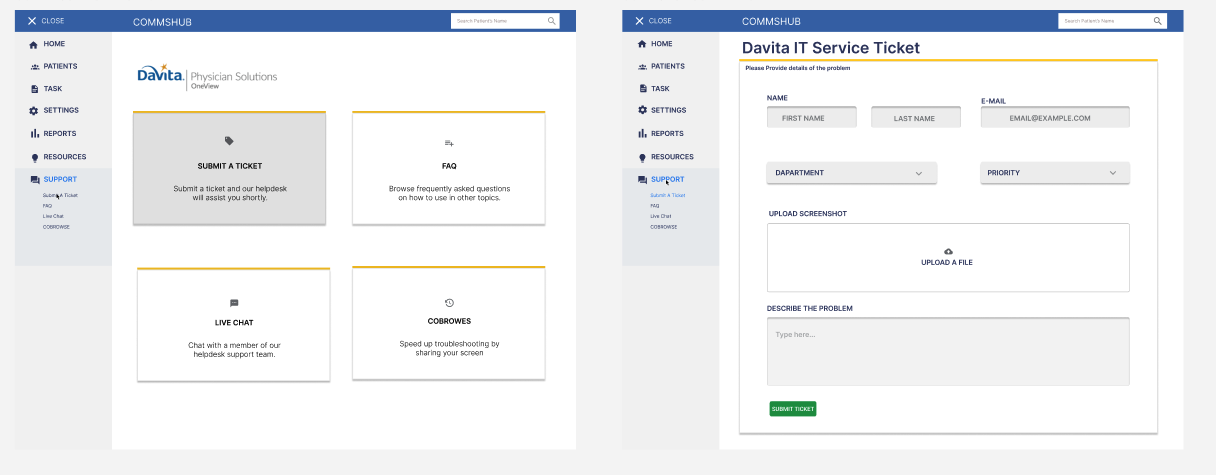
This project demonstrates my ability to combine UX research, interface design, and healthcare workflow understanding to deliver targeted, user-centered improvements in a high-stakes environment.